When someone shares their diary with you, or invites you to join their team, you are invited by email and inside Foodzone. Nothing changes on your account until you accept.
Where invitations appear
- Email — the invitation email has an accept link. If you are not signed in when you open it, you sign in first and then land back on the invitation.
- In the app — a banner appears at the top of every page while an invitation is pending, with Accept and Decline buttons.
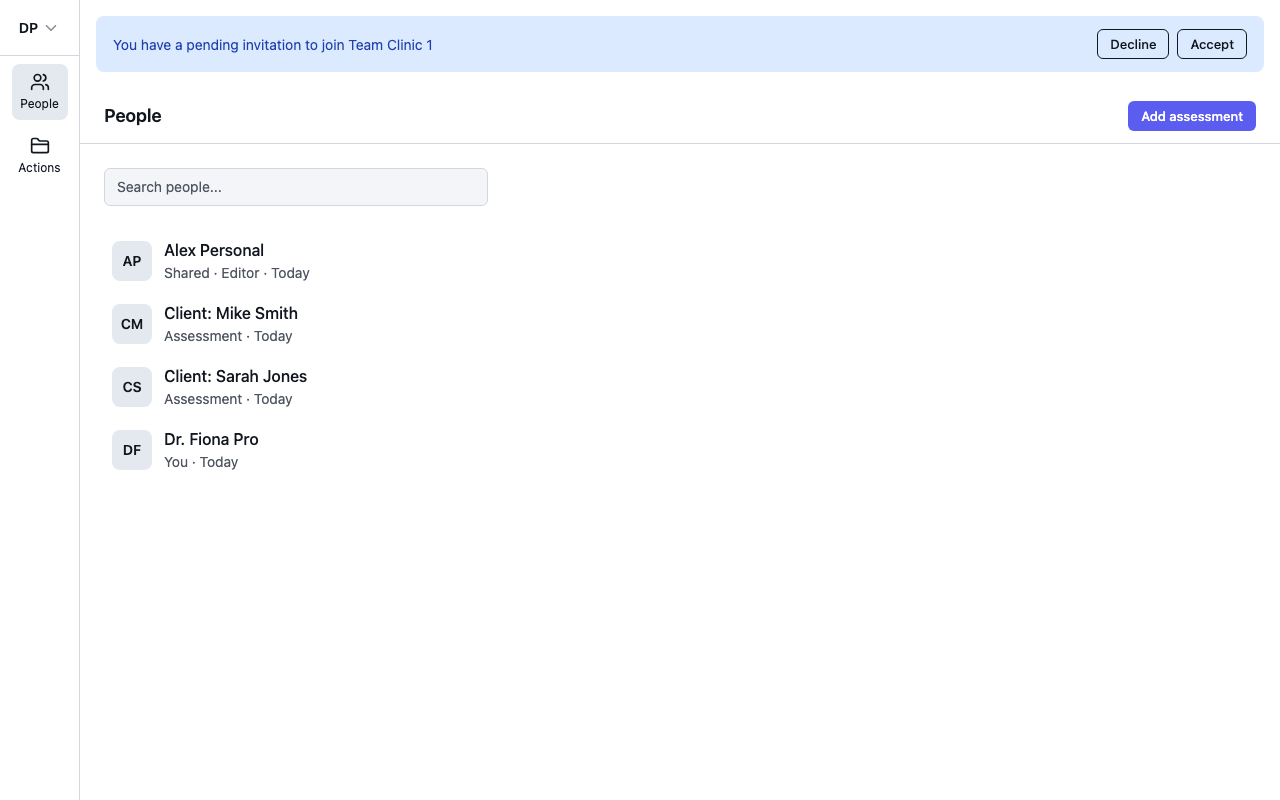
Make sure you are signed in with the account the invitation was sent to. If you use the accept link while signed in as someone else, Foodzone tells you the invitation is for a different account.
Accepting
- A shared diary — the diary becomes available in your account. You can open it any time from Settings, under Diaries shared with you.
- A team invitation — you join the workspace and can switch to it from the account menu.
Declining
Select Decline on the banner. The invitation is removed and the person who sent it does not get access-related updates from you. A declined invitation cannot be accepted later — if you change your mind, ask them to send a new one.
Leaving later
Accepting is not permanent. To remove a shared diary from your account, open Settings, find it under Diaries shared with you, and select the bin icon. You lose access to that diary and would need a new invitation to get it back.