Open the Add to Diary dialog
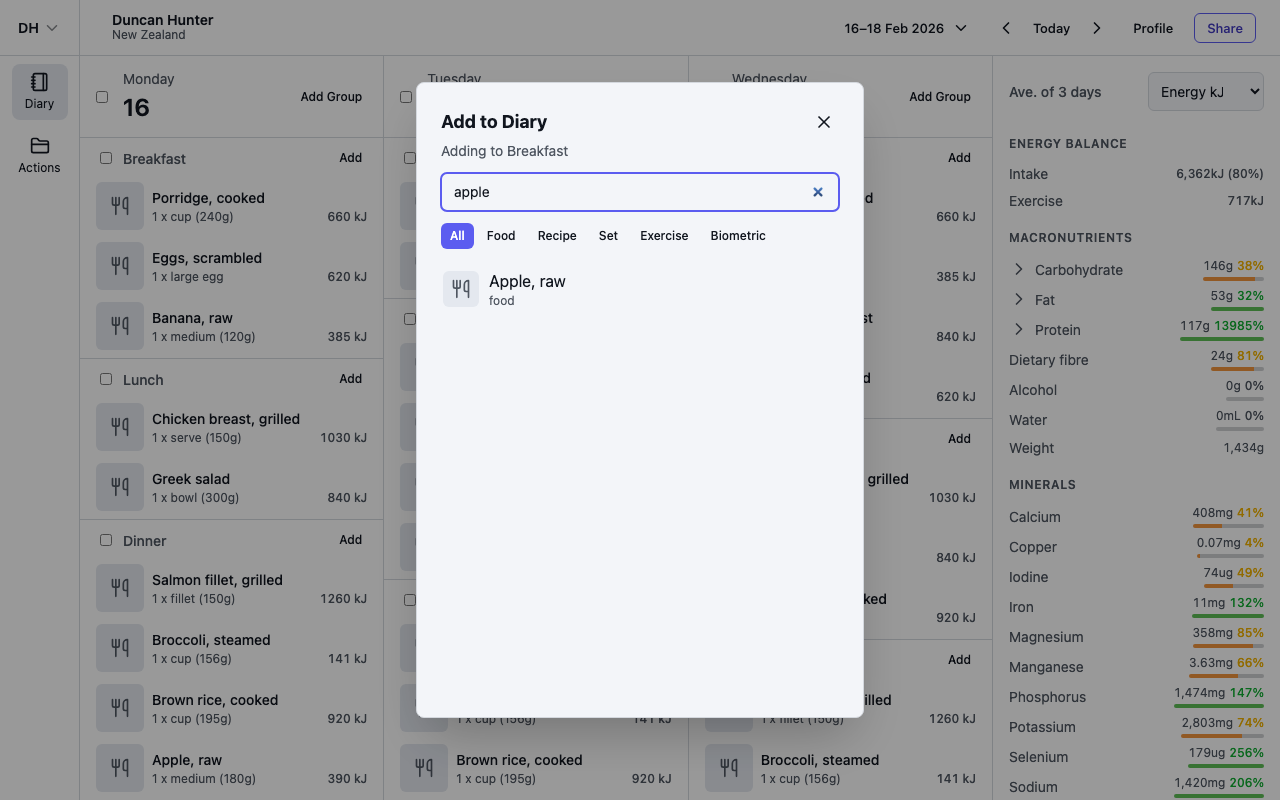
Select Add on any meal group to open the add dialog. Its title says where the entry will go — for example, Add to Breakfast.
Type to search. Results come from the food database set on your profile (see Choose a food database), plus exercises and biometric measurements. The chips under the search box — All, Food, Recipe, Set, Exercise, Biometric — narrow the results to one type.
Set the portion
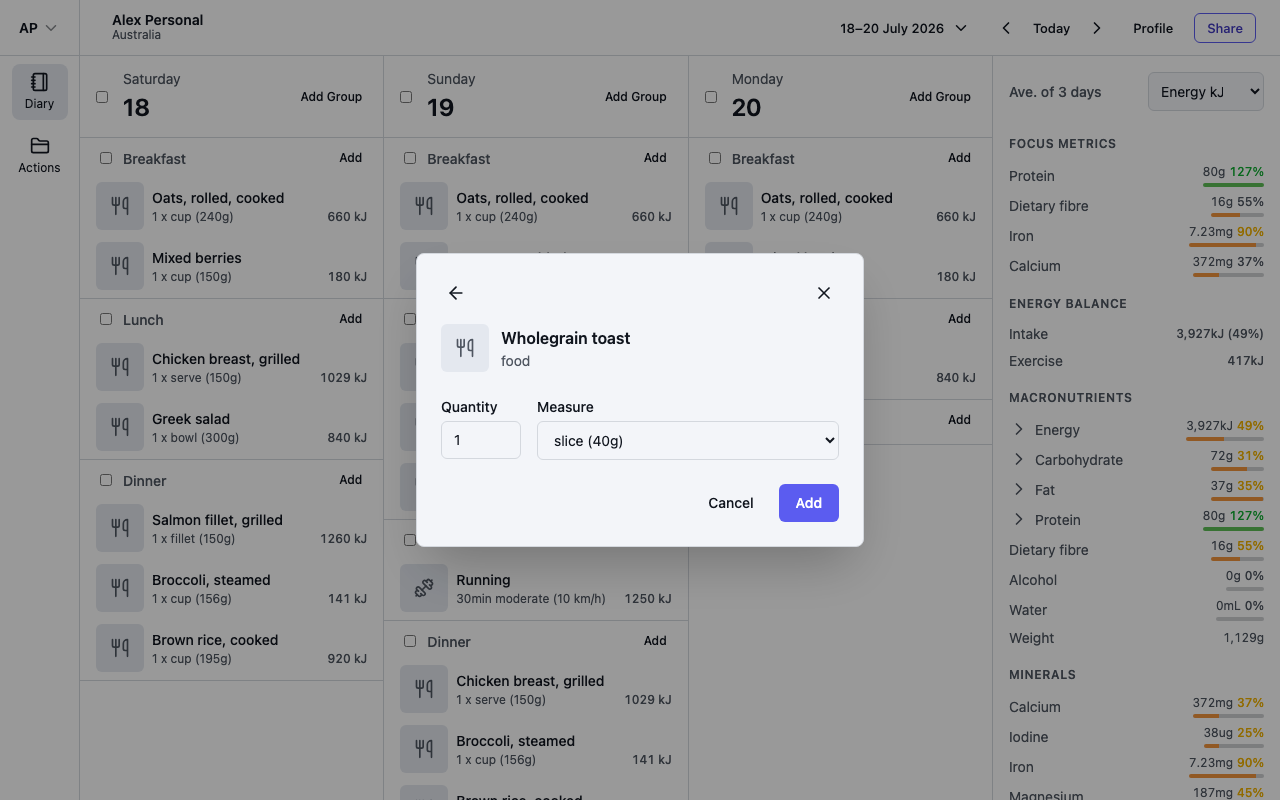
Select a food, recipe or biometric result to set the portion:
- Enter a Quantity — whole numbers or decimals, and it must be greater than 0.
- Choose a Measure — each item lists its own measures with the gram weight shown, such as medium (180g) or serve (150g).
- Select Add.
For an exercise, enter the Duration (min) and, where the exercise offers one, an Intensity such as moderate (10 km/h).
Sets add everything at once
A set is a saved collection of items — a smoothie's ingredients, a regular snack plate. Selecting a set adds all of its items to the group in one step, each with its saved portion, so there is no portion screen. To build a set from things already in your diary, see Edit, move and delete entries.
Write a note
Some things worth recording are not food, exercise or a measurement: an itchy throat twenty minutes after lunch, an antihistamine, a sauna, a bad night's sleep.
At the top of each day there is an Add menu, next to the day's date. It holds two things: Group and Note. Choose Note and start typing — the Add to box underneath picks the meal nearest the current time, and you can change it before saving. Notes are not something you search for, so they are not in the Add to Diary dialog.
A few things to know:
- A note needs some text, and can be up to 2,000 characters. Line breaks are kept.
- Notes have no quantity or measure, and they never change your energy or nutrient totals.
- Long notes show the first three lines with a Show more link to read the rest without leaving the diary. That works for people you have shared your diary with too.
- Notes do not appear in search or in your recent items — they are one-off entries, not something you log again.
To change or remove a note, see Edit, move and delete entries.
Tips
- Foods and recipes with a photo show a thumbnail in the search results and in your diary. Photos come from your custom foods and recipes.
- Items you log often appear before you type anything — see Recent items and quick add.