Only the workspace owner of a paid plan can cancel. If you are on the free Personal plan there is nothing to cancel.
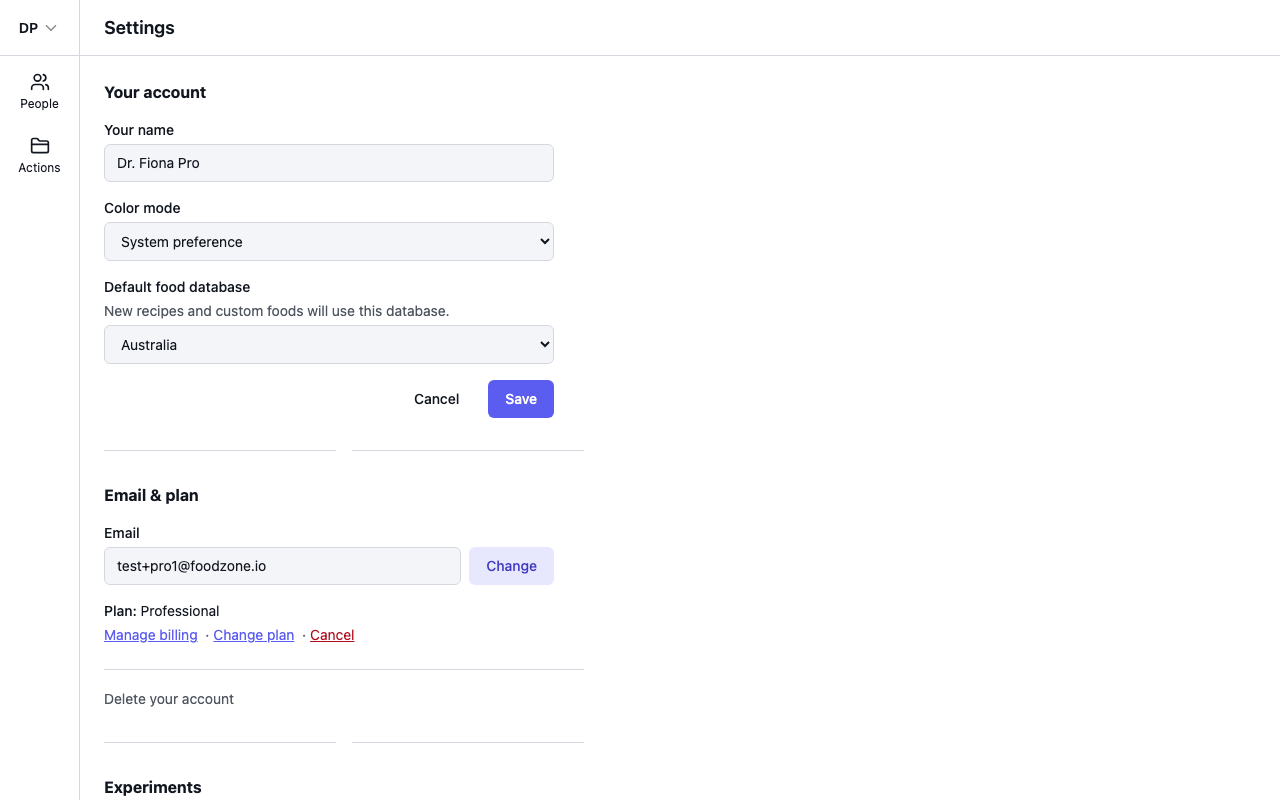
- Open Settings.
- On the Plan line, select Cancel. Take care — the cancellation happens straight away, with no extra confirmation step.
- You will see the message "Subscription cancelled. You won't be charged again."
What happens next
- Your plan stays active until the end of the billing period you have already paid for. The Plan line shows the end date, for example "ends 19 Aug 2026 · will not renew".
- After that date your workspace moves to the free Personal plan.
- Cancelling does not delete your account or your diary — you keep everything available on the free plan. To remove your account entirely, see Delete your account.
Changed your mind before the end date? Select Keep on the Plan line in Settings — for example Keep Professional — and the plan carries on renewing. You can also select Change plan to pick a different plan.