Three days at a time
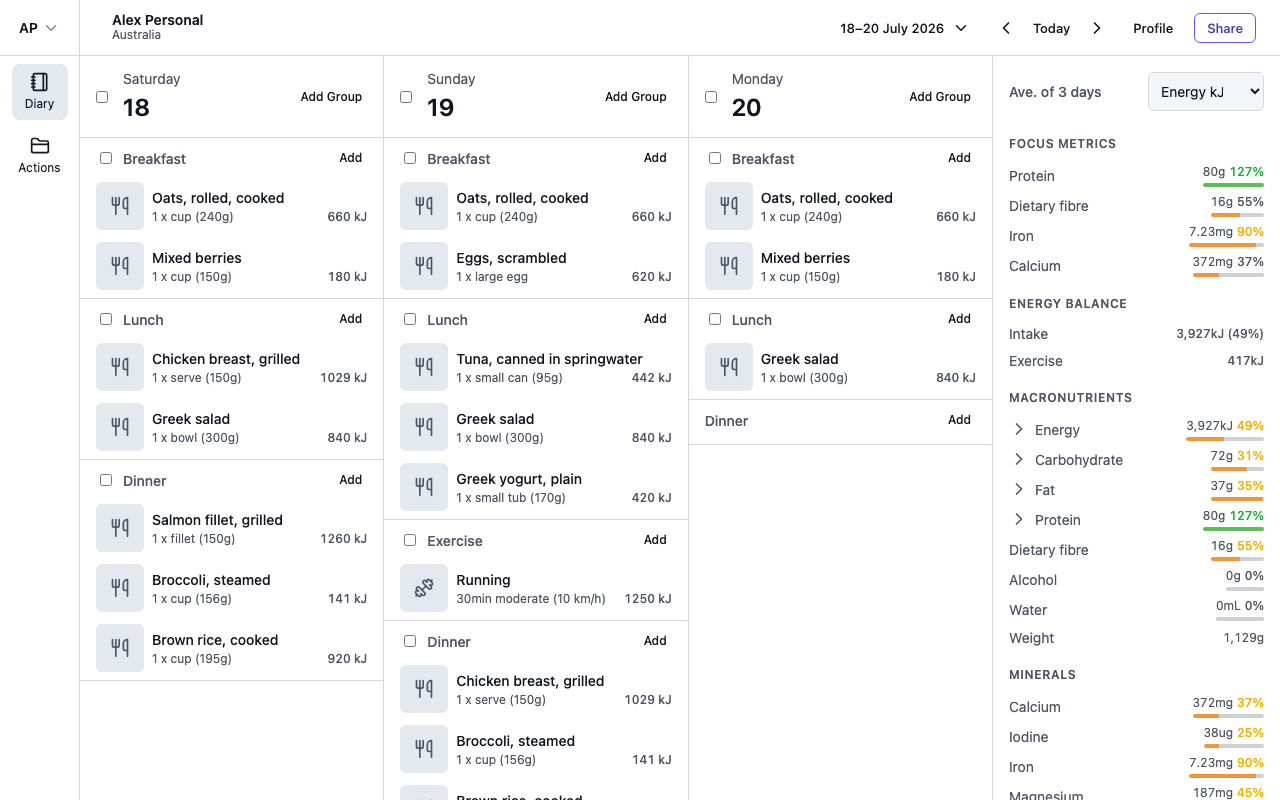
The diary shows three days side by side, each in its own column. On smaller screens, swipe or scroll horizontally to see them all.
Change days
- The previous and next arrows in the header shift the view one day back or forward.
- Today jumps back to the current day, using the timezone set on your profile.
- Your browser's back and forward buttons also work — each day you visit is a page you can return to.
Jump to a date
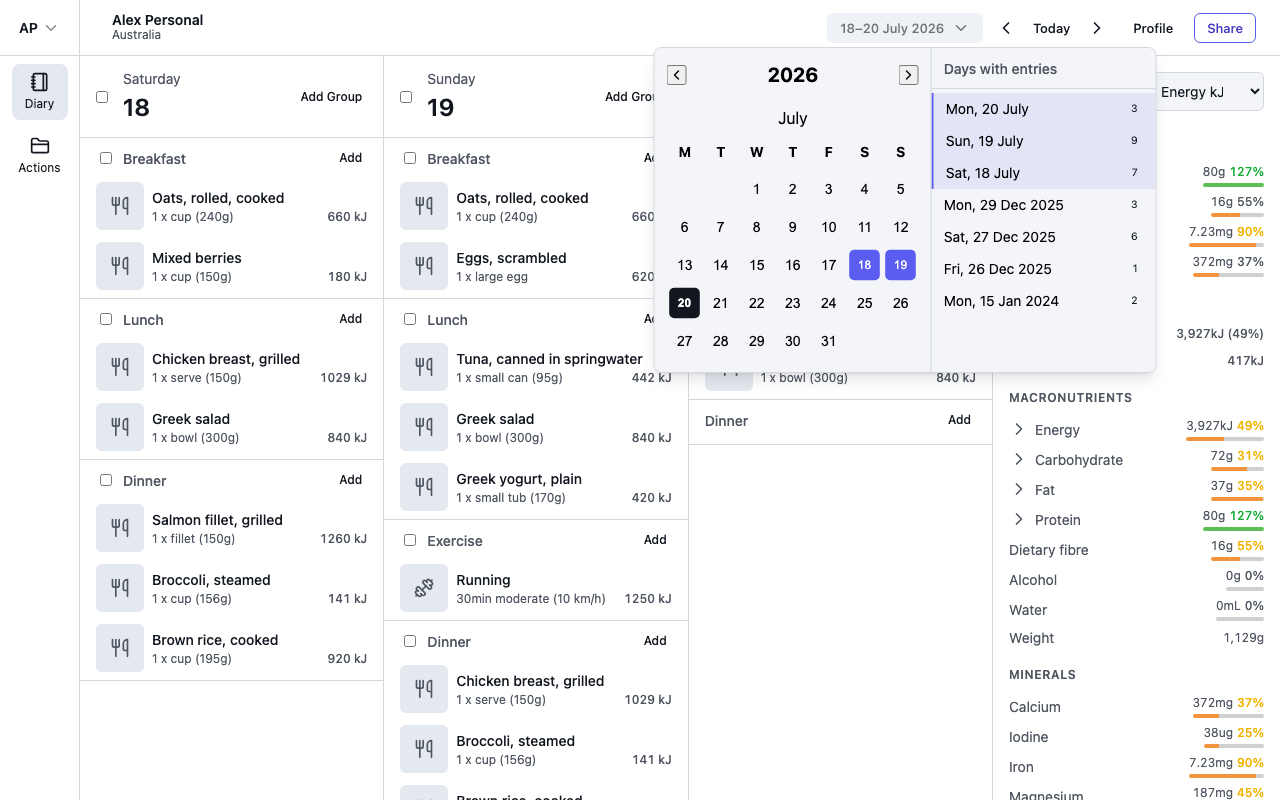
Select the date range in the header to open the calendar. Pick any date to view it, or use the Days with entries list below the calendar — it shows every day you have logged something, newest first, with a count of entries for each. Select Load more to go further back.
Timezones and travel
Entries remember the timezone they were logged in. If a day contains entries from more than one timezone — say you logged dinner while travelling — a timezone selector appears in the diary header so you can view the day in whichever timezone you choose, and entries logged elsewhere show a badge with their local time, such as 8:00pm New York.