Create your account
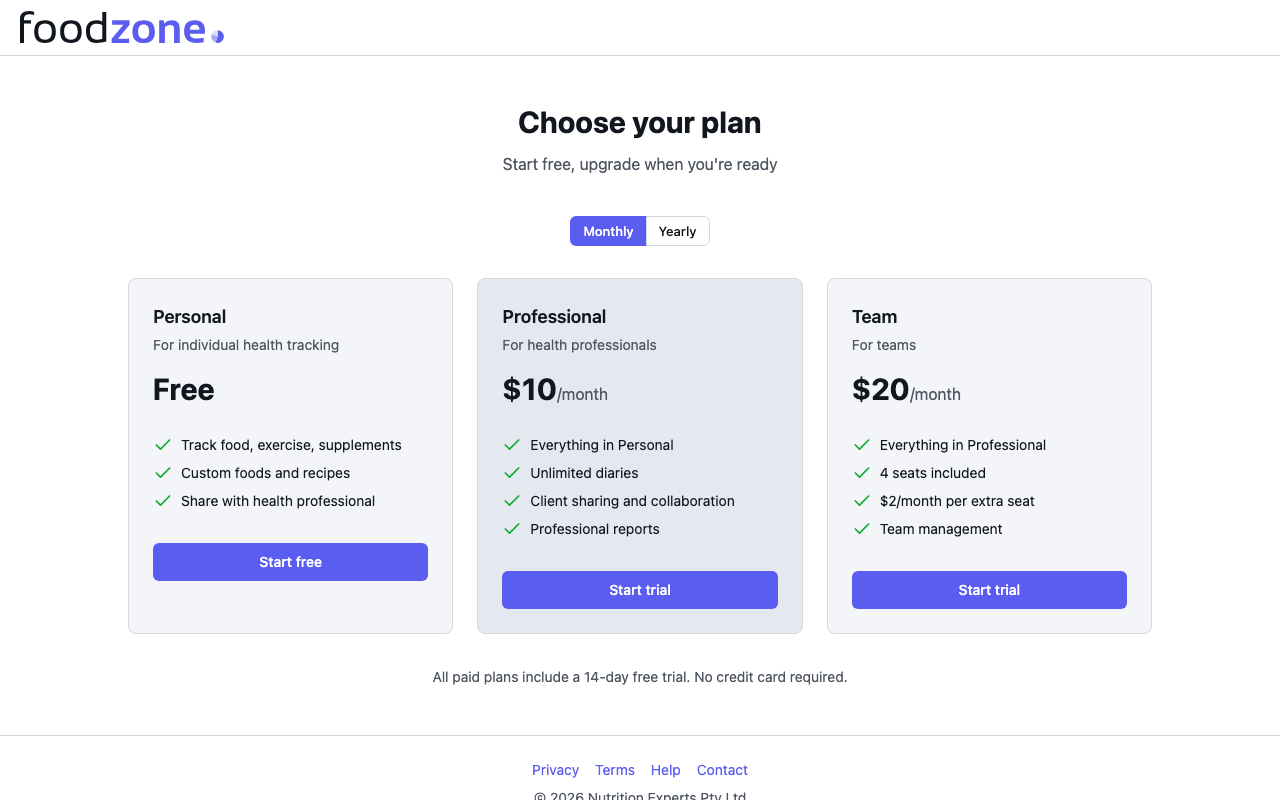
- Choose a plan on the pricing page. Start free creates a free Personal account; Start trial begins a 14-day free trial of Professional or Team — no credit card required.
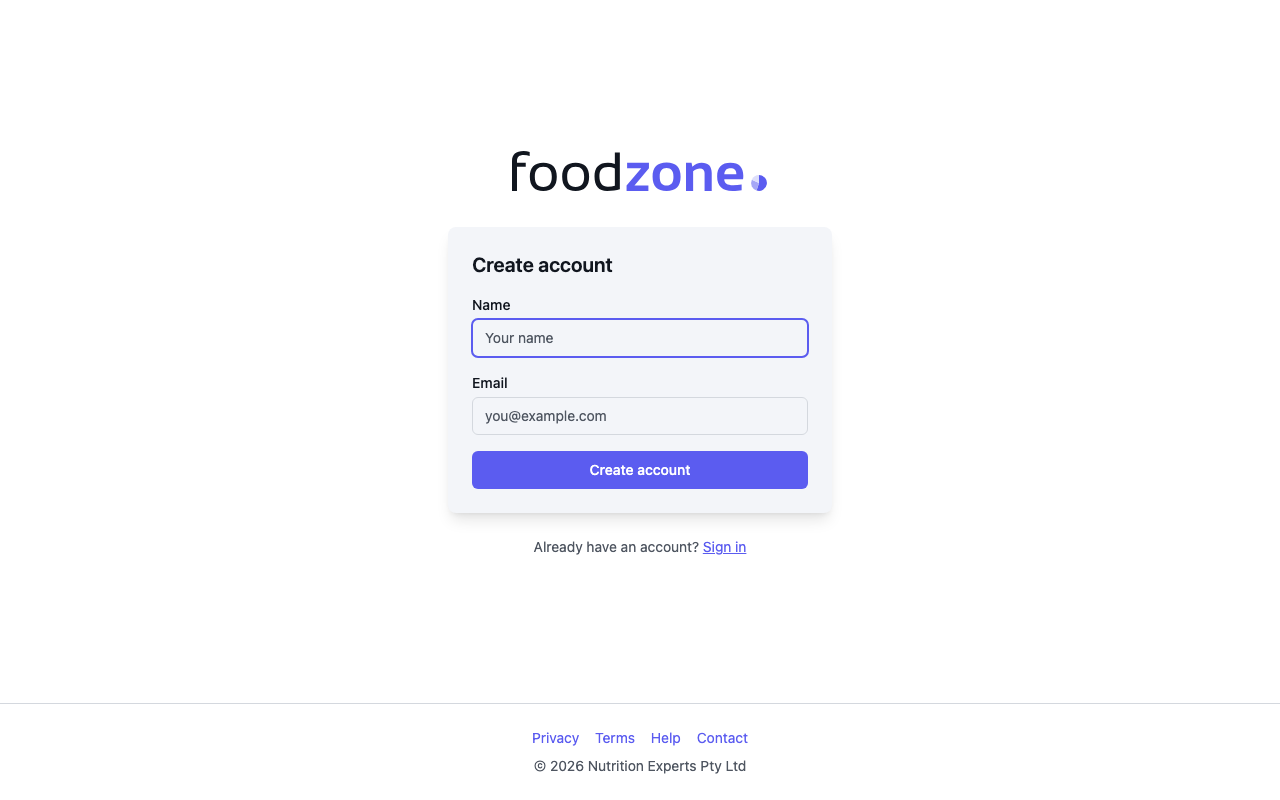
- Enter your name and email, then select Create account.
- We email you a 6-digit code. Type it on the Check your email screen — it submits automatically when you enter the last digit. There is no password to remember; signing in works the same way.
Complete your profile
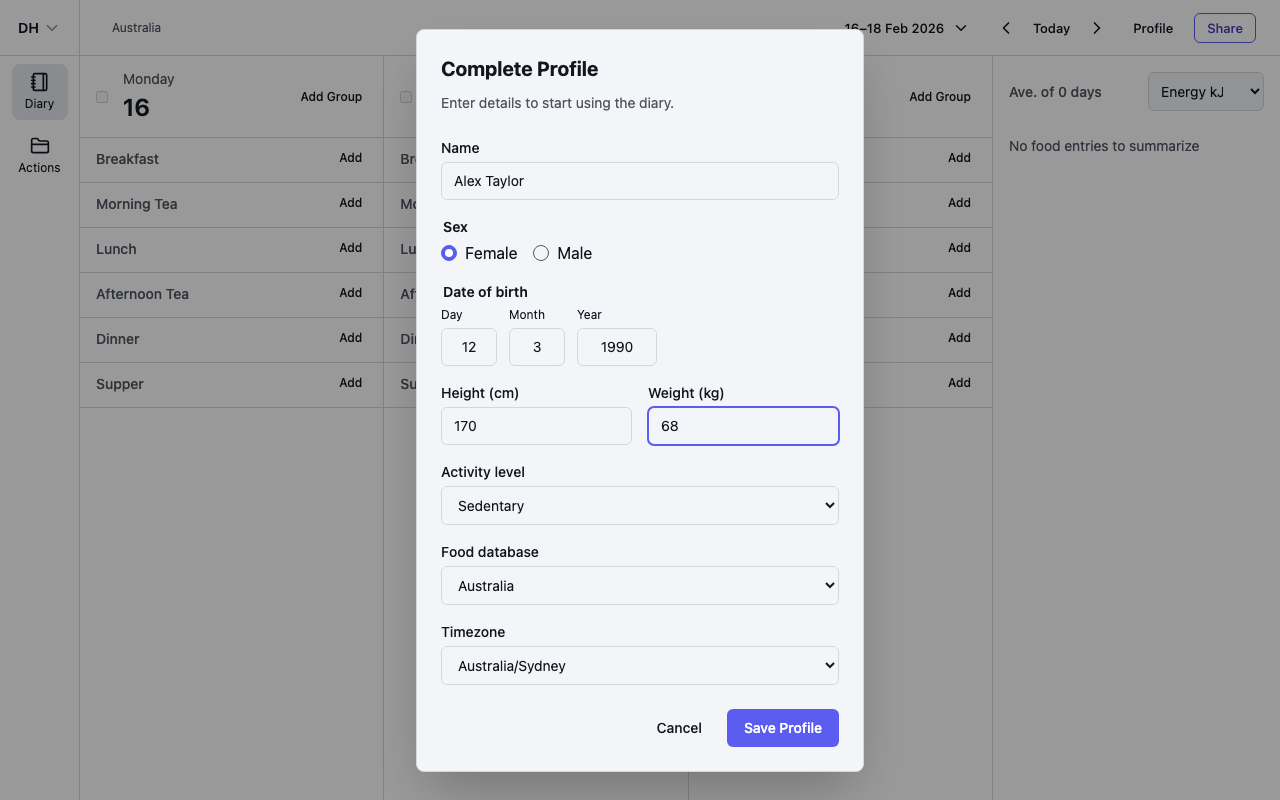
On a Personal plan you land on your diary, and the Complete Profile dialog opens first. Foodzone uses these details to work out your nutrition targets:
- Enter your Name, Sex and Date of birth.
- Enter your Height (cm), Weight (kg) and Activity level.
- Choose your Food database and Timezone — see Choose a food database.
- Select Save.
Log your first diary entry
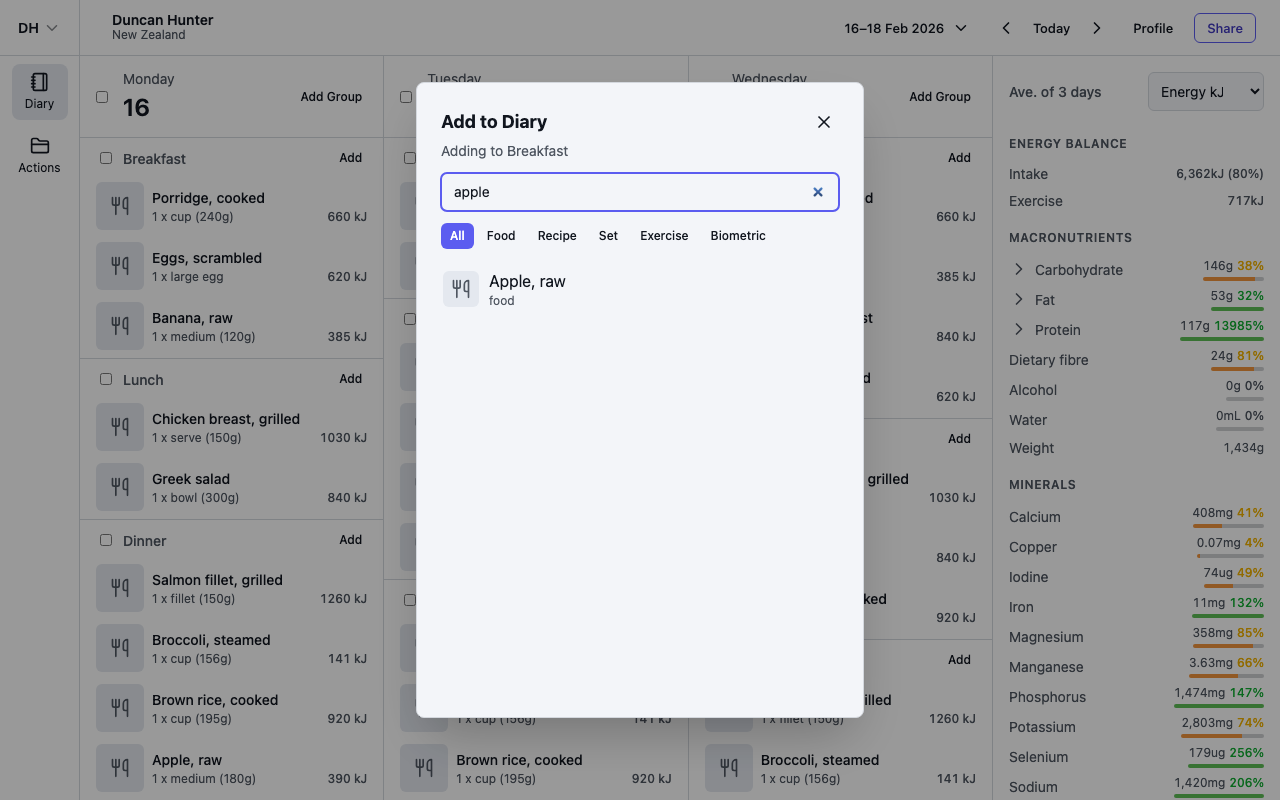
- Select Add on a meal group to open the Add to Diary dialog.
- Search for a food — for example, "apple". Use the chips under the search box to filter by Food, Recipe, Set, Exercise or Biometric.
- Select a result, set the quantity, and add it to your diary.
- Items you use often appear under Recent — tap one to add it instantly. If you added something by mistake, use Undo on the confirmation message.
Log from your phone
Foodzone also has an app for iPhone and Android. It uses the same account and diary, adds barcode scanning, and lets you suggest missing products from a photo of the pack. See Get the app and sign in.
First steps on Professional and Team plans
Professional — you land on the People page. Select Add assessment and the Complete Profile dialog opens there to collect that person's details; Save creates the assessment and takes you to its diary.
Team — invite your colleagues first. Open Settings, find the Team members section, and select Invite member. Enter their email address and role, then Send invite — they receive an email link to join your workspace. They need their own Foodzone account before they can accept.