Choose your groups
Open You, then Diary groups. The screen lists the groups a new diary day starts with, each with a name and a time of day. New accounts start with Breakfast, Lunch and Dinner.
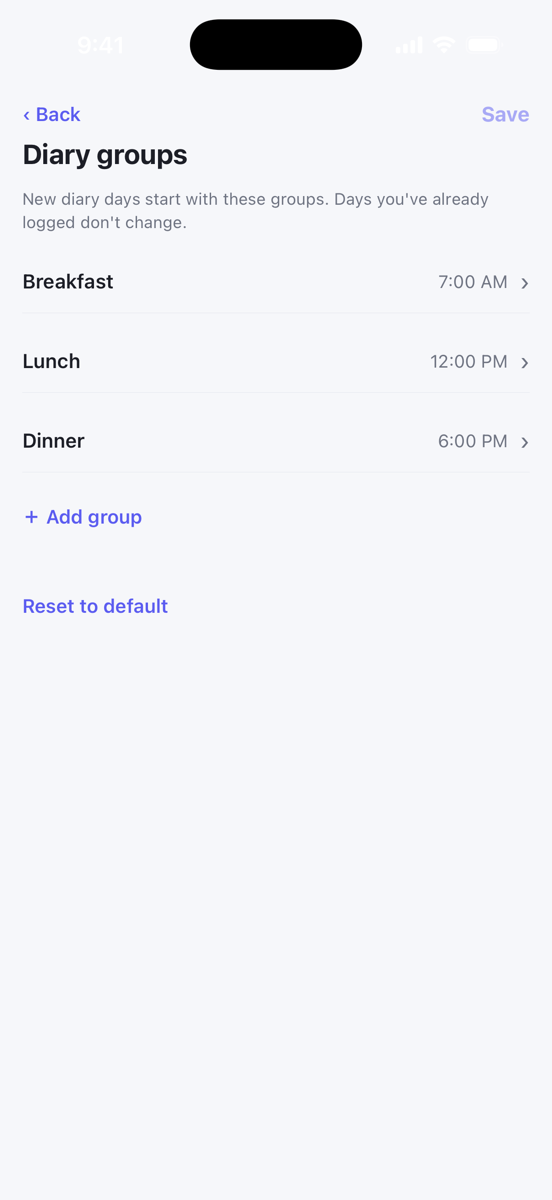
Groups appear in the diary in time order, so change the times to change the order. Tap a group to change its name or time, or to use Remove group. Use Add group to add one, and Reset to default to go back to Breakfast, Lunch and Dinner. Then tap Save. Days you have already logged keep the groups they had.
Add a group to one day
Tap the round + button and choose New group. Give it a name and a time and tap Save. This adds the group to the day you are looking at.
To rename a group on a day, tap its heading in the diary. The same screen has Delete group at the bottom. Deleting a group also deletes the items in it, so the app asks you to confirm.
Notes
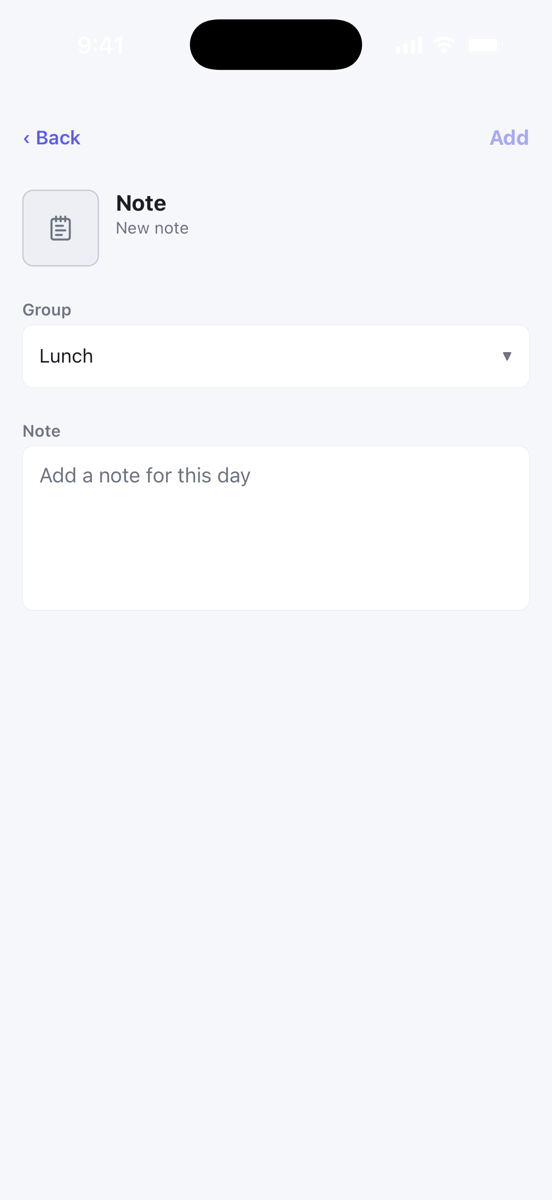
Tap the round + button and choose Note. Pick the group the note belongs with, write it, and tap Add. Notes show in italics under their group, with Show more for longer ones.
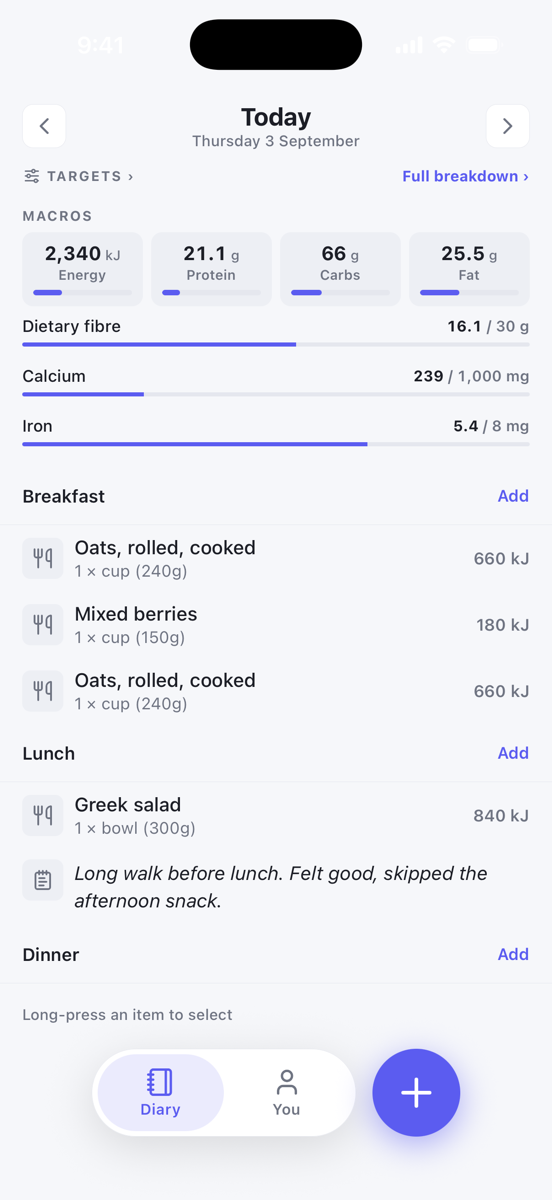
Tap a note to edit it. To delete it, swipe it to the left in the diary, or use Delete from diary in the ⋯ menu on the edit screen.