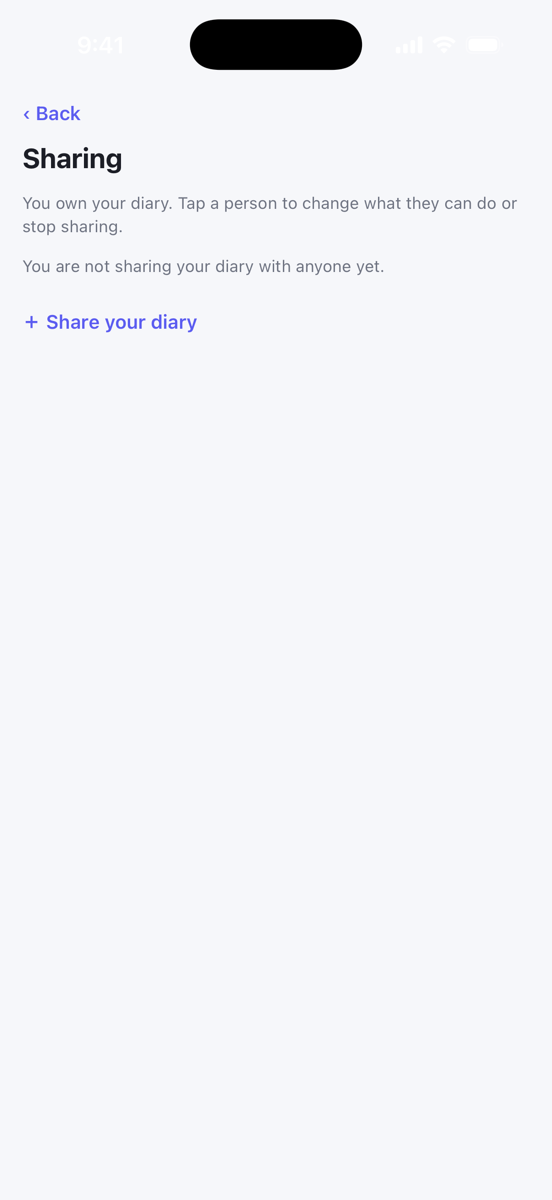
You own your diary. From the app you can share it with a health professional who uses Foodzone, change what they can do, or stop sharing at any time.
Share your diary
- Open You, then Sharing, and tap Share your diary.
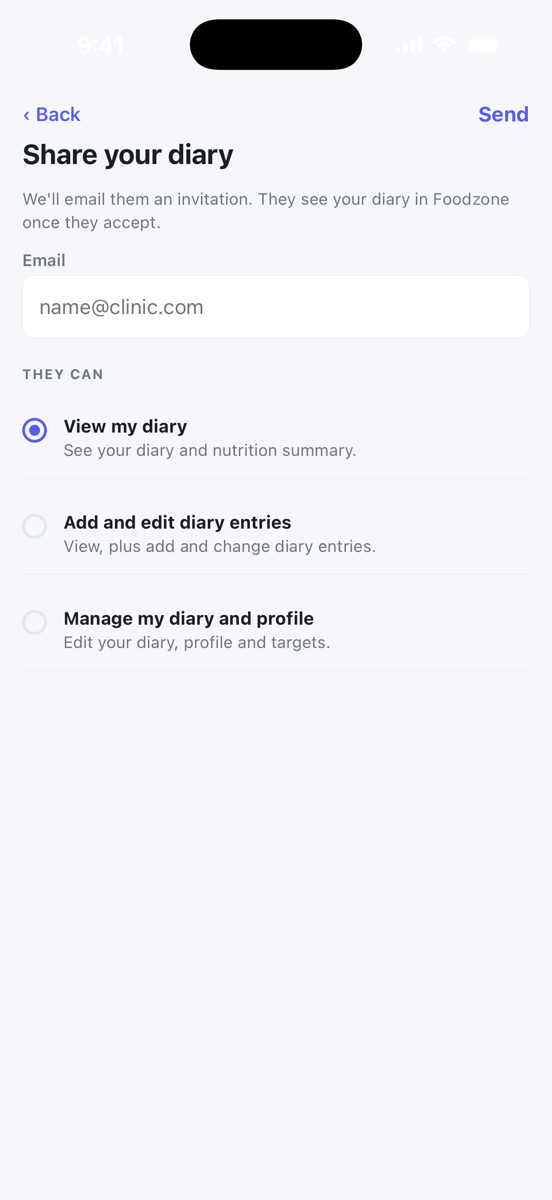
- Enter the email on their Foodzone account. It must be a Professional or Team account.
- Under They can, choose one:
- View my diary sees your diary and nutrition summary.
- Add and edit diary entries can also add and change entries.
- Manage my diary and profile can also edit your profile and targets.
- Tap Send.
They get an email invitation. Nothing is shared until they accept. Until then the row on your Sharing screen reads Invited — awaiting accept, and you can tap it to Cancel invitation.
If a health professional sent you to Foodzone, the app offers this step during setup. That first share is view-only. You can raise it later here.
Change or stop sharing
On Sharing, tap the person. Choose a different level and tap Save, or tap Stop sharing. They lose access straight away, and you would need to share again to restore it.
Invitations sent to you
The app cannot accept or decline an invitation someone sent to you. If you are a professional and a client has shared their diary with you, accept it from the email or on the website. See Accept or decline an invitation.